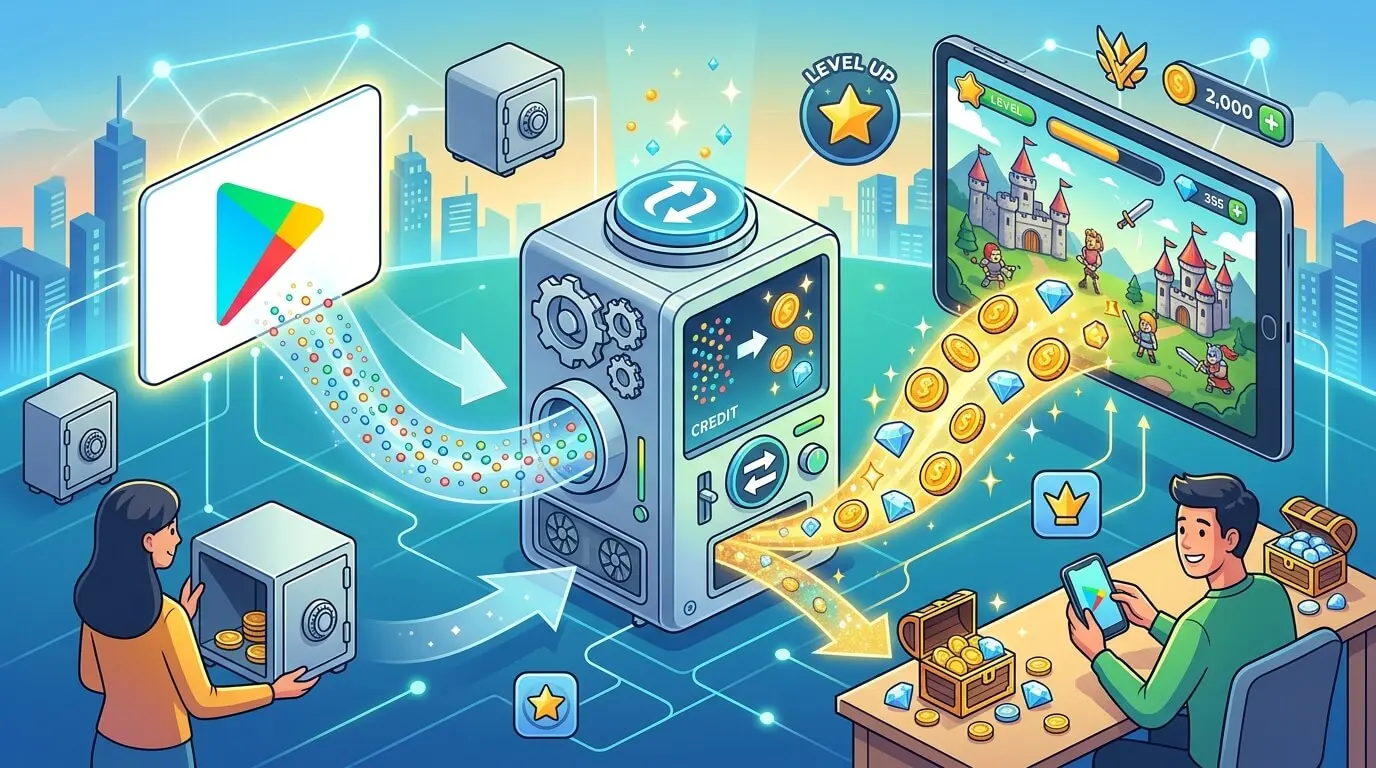
You get in-game currency for free by paying for it with Google Play credit that you did not buy yourself. Redeem a gift card code to your Google account, open the game’s shop, and choose Google Play balance as the payment method at checkout. The game cannot tell the difference between balance and a credit card.
This works for gems, coins, diamonds, battle passes and any other item an Android game sells through Google Play’s billing.
Step 1: Get the credit onto your account
The credit can come from a gift card earned on a rewards platform, from Google Play Points (which Google says can also be exchanged directly for in-app items), or from an official promo code. On CashyGo you complete tasks for points (1,000 points = $1), cash out from 5,000 points ($5), and choose a Google Play gift card. Requests are usually approved within 24 hours, and the code arrives after approval.
The card is a US Google Play gift card. Check the amounts shown on the withdraw page and compare them with the price of the item you want.
To redeem the code, Google’s steps on a computer are:
Step 4 is the one to slow down on. Google states that Play balance is not transferable. If the code lands on your school account or an old account, it stays there. Redeem it to the same Google account the game is signed in with on your phone.
Step 2: Buy the currency inside the game
Google describes the in-app purchase flow like this:
At step 3, a sheet slides up from the bottom of the screen showing a payment method. If it shows a card or carrier billing, tap that payment method and switch it to Google Play balance. Then confirm with your fingerprint, screen lock or password.
Three things to check before you tap Buy:
Step 3: Confirm it arrived
The currency normally appears in the game right away. If it does not, restart the game first. Your receipt is in the order history of your Google Play account. If the charge is there but the item is not, contact the game’s support with the order number from the receipt.
The country lock
This is the most common reason a code or a purchase fails. Google’s rules, as of October 2026:
What this means in practice: a US card needs a US Play account. Buying a cheaper card from another region and switching country with a VPN does not work and is against Google’s terms. It also breaks CashyGo’s rules, which ban VPNs and proxies.
If you are under 18
What to stay away from
Earning the credit faster
Game offers pay the most per task on CashyGo: up to 50,000 points for finishing every level goal in a single game. Playing game offers is the natural fit for a mobile gamer. Offers have deadlines and must be started from inside CashyGo to track. Emulators are not allowed.
There is no guaranteed amount. What you earn depends on the offers available in your country and the time you spend.
FAQ
Can I use Google Play credit in any Android game?
In games that sell items through Google Play’s billing, yes. Purchases made on a game’s own website or on iOS do not use Play balance.
Does this work on an iPhone?
No. Google Play balance is spent through Google Play. iPhone purchases go through Apple.
Can I send currency or balance to a friend?
Play balance is not transferable. Whether a game lets you gift items is up to that game.
My code says it was already redeemed. What now?
Check your other Google accounts first. If it is not there, contact the place the code came from and include the code and the message it arrived in. For a card from CashyGo, write to [email protected].